Your music
Play with your favorite songs. You need the music files stored on your phone.


invited you to play. Install Zip Zop from this page: you both earn wubs once you reach level 5 and have played on three different days.
Wub Lab · rhythm game for Android
Got rhythm in your bones? Pick your music and the notes come rolling down. Rediscover your favorite songs by tapping along to get the best score and beat your rivals.
Version 1.1.0 · Android 8.0 and later · Not on the Play Store yet.
01
In the tradition of music rhythm games: notes roll down three or four lanes toward a tap line, in time with the tempo. Score points according to your accuracy.
02
Your music, your beatmaps, a community, and up to four players in the same game.
Play with your favorite songs. You need the music files stored on your phone.
A built-in editor: beat grid, notes placed by hand or by a generator, then validation by playing your beatmap all the way through.
Publish your own beatmaps and download the community’s. Invite your friends and send them challenges.
Side by side or far apart, you take on up to three other players in synchronized games.
Zip Zop doesn’t provide any commercial music. You play on the audio files already on your phone; about twenty royalty-free songs come with the game so you can play right away.
03
Every beatmap is created in three steps: in the game, or on a computer for the first two. The difficulty, from 1 to 10, is calculated automatically.
Tempo, downbeat, tempo ranges, and the song’s sections: intro, verse, chorus, drop…
Zips and zops are placed by hand, live along with the music, or by a generator guided by markers you lay down to the rhythm you want.
You play your beatmap all the way through, missing fewer than 1 note in 100, before you can publish it. An unplayable beatmap doesn’t get out.
04
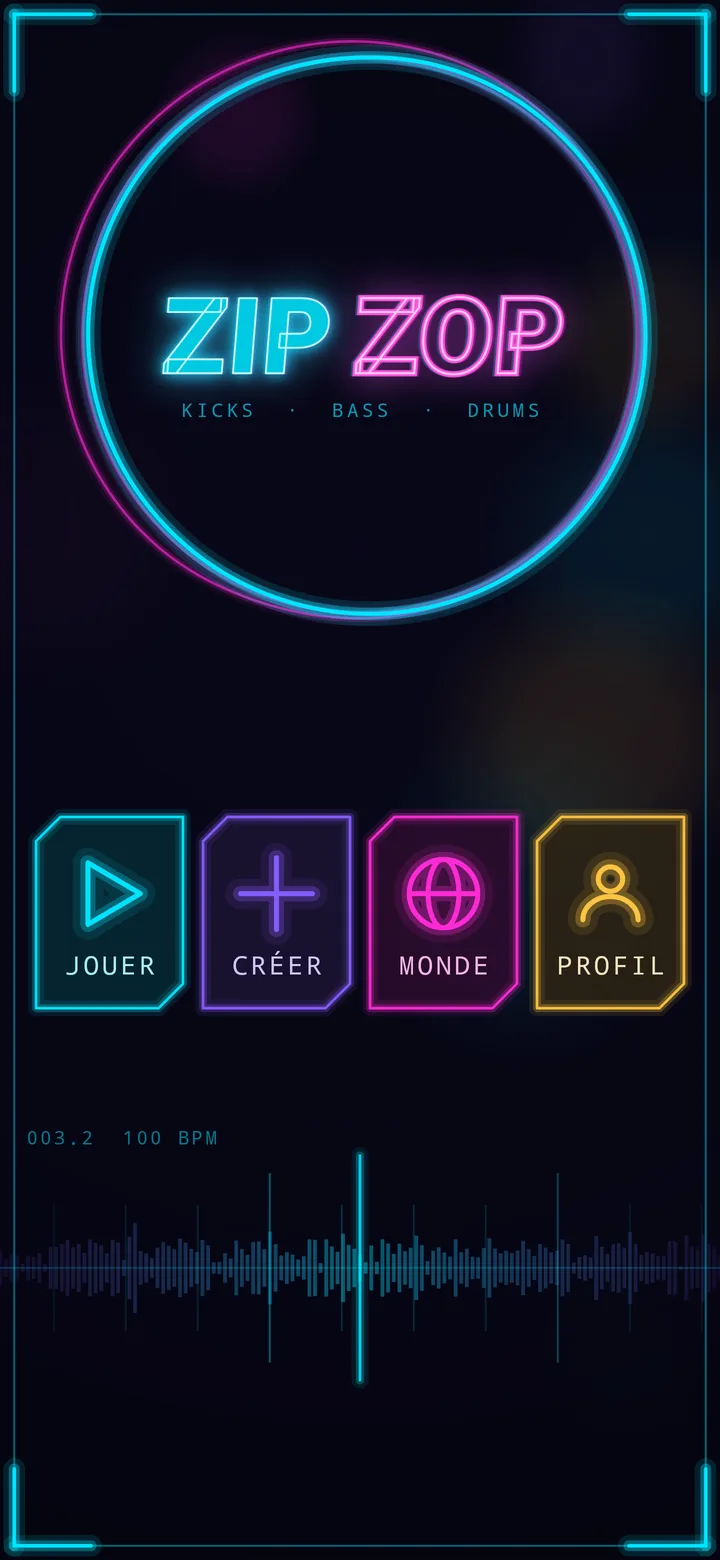
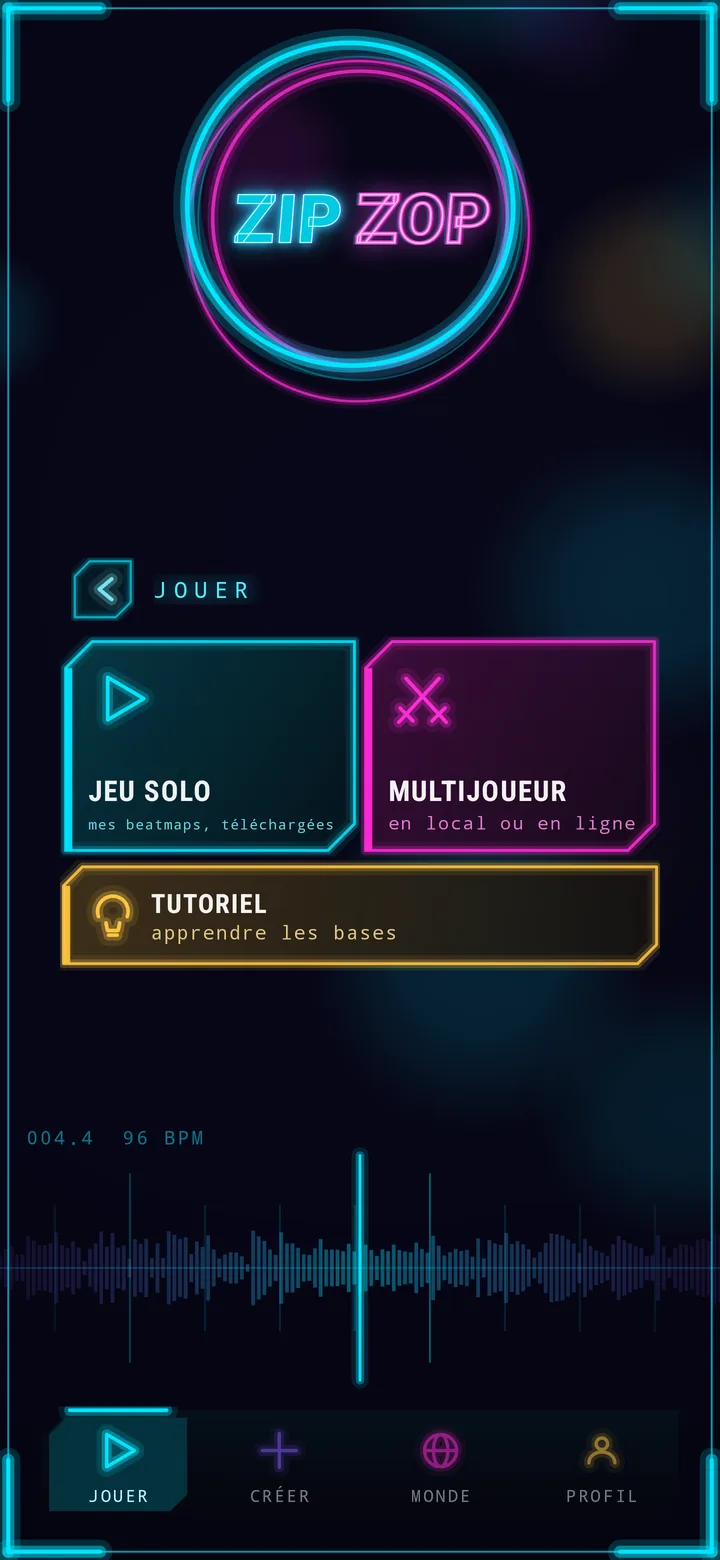
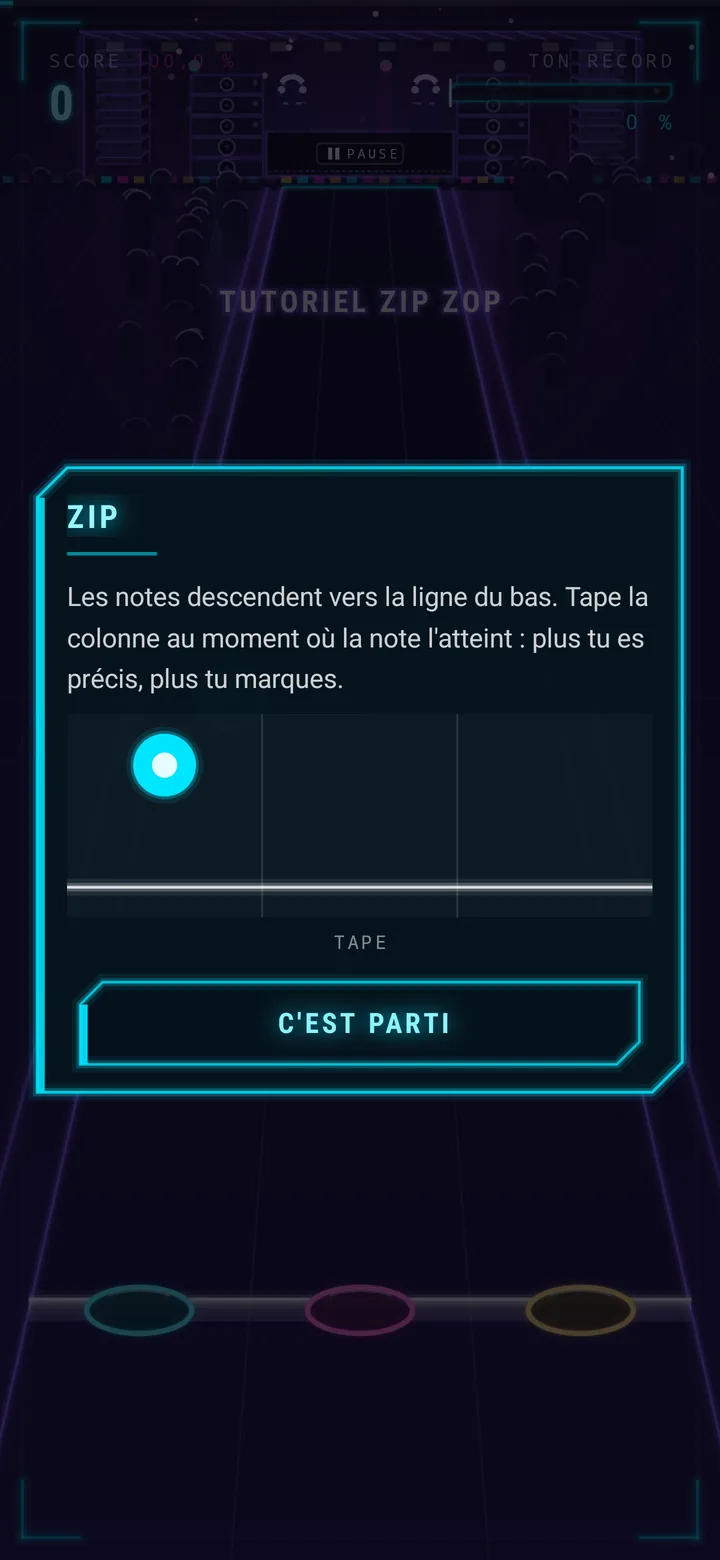
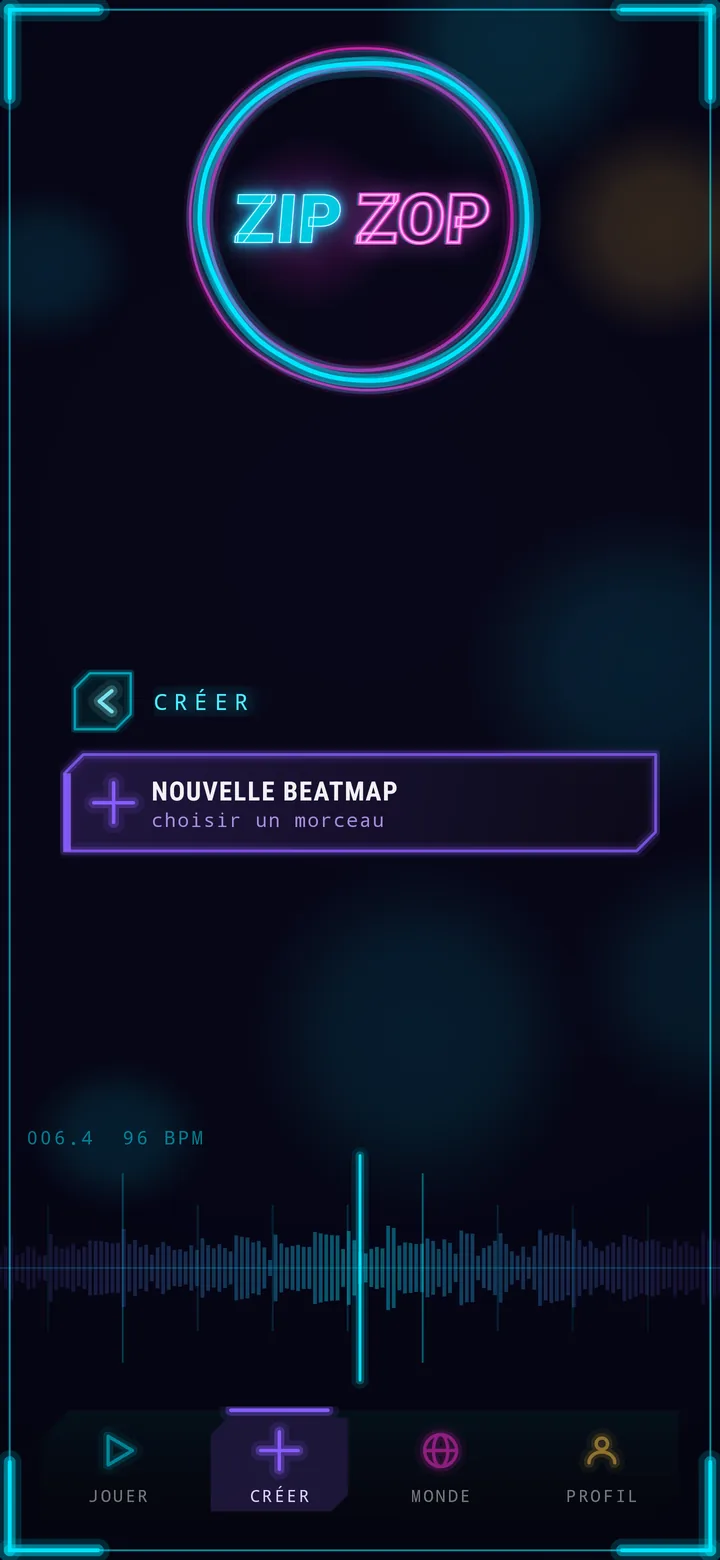
A few seconds of the game, without sound: a game, the beat grid, the beatmap editor and the launch of a challenge (French interface).
Zip Zop is not on the Play Store yet. The link to its listing will be here when the day comes.
App ID: com.zipzop.game
No, and it isn’t planned. The terms of use of these services forbid this kind of use. Zip Zop reads the audio files in your phone’s music folder.
No commercial songs. The game synthesizes the tutorial and the menu music itself, and comes with about twenty royalty-free songs (Creative Commons, credited to their authors, with Wub Lab’s official beatmaps) so you can play right away. For the rest, Zip Zop is designed for you to bring your own files and create your beatmaps.
Including original tracks is, however, being considered: artists who would like their music built into the game, in exchange for visibility and a credit, can write to us at contact@wub-lab.com.
Never. A beatmap only contains the notes, the beat grid and a fingerprint of the song’s attacks, which can neither rebuild the sound nor be listened to. The person who downloads the beatmap must have their own music file.
No. It looks for your songs in the folder you chose, read-only; elsewhere, it only opens a file if you pick it yourself. No file is copied or sent. Choosing another folder gives up the permission on the old one; uninstalling the game removes it too.
Ideally, but it isn’t required. Without an account, you create your beatmaps and play them, but your games aren’t saved. The account keeps your best scores, your statistics and your progression, and is used for the Jukebox, leaderboards, friends, challenges, online play and the shop. You can delete your account at any time from the app: see Delete your account.
Yes, from the web Jukebox, signed in with your Zip Zop account. On a beatmap’s page, the “Send to my phone” button delivers it straight into the game: right away if it is open, otherwise the next time it is launched. You can also download the file to import it by hand.
The game is free. An ad plays between songs, never during a game — at most one game in two, and not during your first two games —, and a one-time “no ads” purchase removes it for good. In Europe, you first choose whether ads may be personalized. With an account, you earn wubs by playing, the game’s virtual currency, which cannot be bought: they are spent in the shop (cosmetics), on chests, official games and challenges with a stake between friends. VIP tokens, on the other hand, are bought in packs on Google Play and only pay for shop items and gifts: every item has a price in wubs and a price in tokens. Nothing that can be bought affects the score or the beatmap leaderboards. The rules for wubs, VIP tokens and the shop are in the terms of use.
It’s all written in the privacy policy. In short: no audio file leaves your phone, and the game has no tracker and no player profile (it only counts, anonymously, what happens to the artists’ songs, to report it to them). Without an account, your beatmaps stay on your phone and your games aren’t saved; only advertising, served by Google AdMob, receives device data (advertising ID, IP address), account or not: the ads between songs, and the rewarded videos you ask for yourself to earn wubs. These videos also send your account’s identifier (not your username), so that Google can confirm to the game’s server that they were watched. In Europe, you first choose whether ads may be personalized, and the “no ads” purchase removes the ads. With an account, what is stored with Firebase, your progression and your wubs included, is listed there point by point.
These cases are covered on the Support page.